You have probably enjoyed the growing availability of wi-fi connections on flights, as airlines deliver the internet (sometimes for a fee) to passengers who had previously been cut off from the world.
Connecting to public networks has always been a somewhat risky option, but passengers on a recent Delta flight faced a new wrinkle. It appears as though someone created an alternative wi-fi option for their fellow travelers, posing as a legitimate Delta connection. Lorenzo Franceschi-Bicchierai reports for TechCrunch:
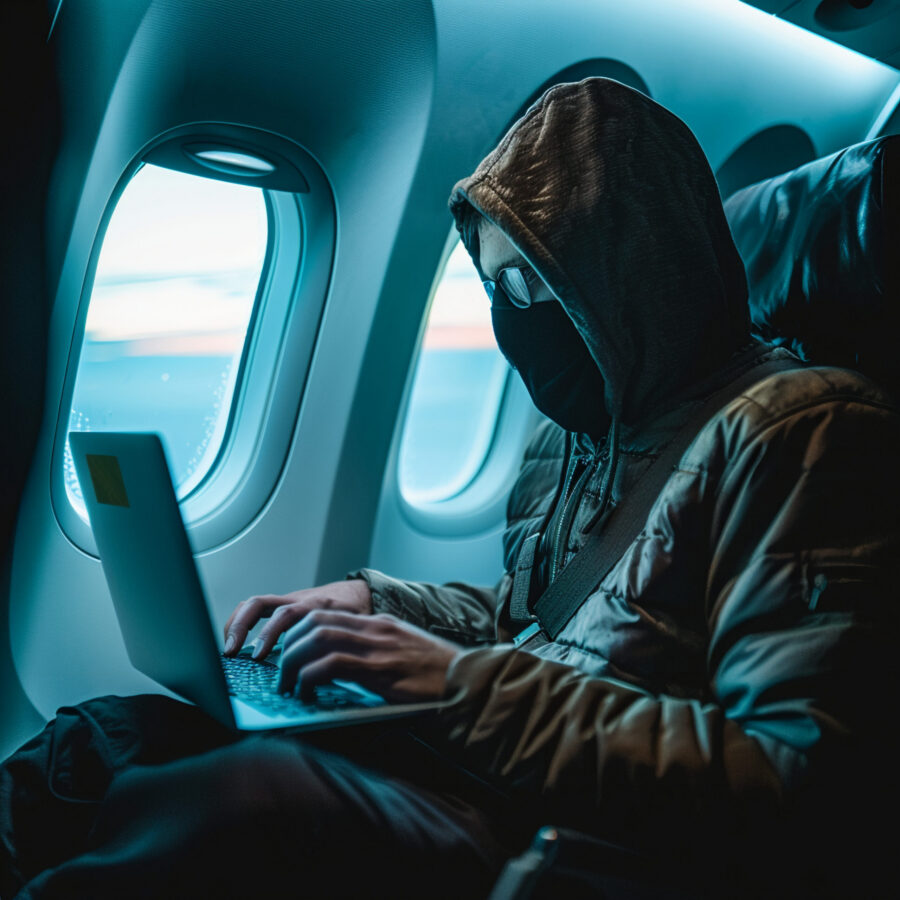
An unidentified passenger allegedly created a fake Wi-Fi network on a Delta flight from Las Vegas to Atlanta on Monday, prompting pilots to alert air traffic control, according to the airline and public broadcasts from the plane.
“[The] safety of flight was never in question and no aircraft operating systems were affected,” Delta spokesperson Morgan Durrant told TechCrunch, adding that the in-flight network was not compromised.
“We are fully investigating to gather a complete set of facts, which will take time. We will partner with federal law enforcement and aviation regulators to ensure the incident is thoroughly investigated,” the spokesperson said.
The flight crew turned off the aircraft’s legitimate Wi-Fi network for around 30 minutes due to the incident.
Once the crew became aware of the fake Wi-Fi network, the pilots sent two messages mid-flight to air traffic control. The pilots said a passenger “created a scam Wi-Fi” that was designed to impersonate the airplane’s legitimate wireless network.
Many passengers on the flight were cybersecurity professionals (i.e., hackers) who were returning home from DEF CON 34, which had ended in Las Vegas the day before. DEF CON is billed as “the largest hacking conference in the world.”
So what can non-hackers do in the face of the dangers? The Federal Trade Commission offers some best practices for people encountering public wi-fi networks, either legitimate or fake. They write:
How You Know Your Information Is Safe When You’re Using a Public Wi-Fi Network
When you connect to a website, information travels from your device to the website. That could include sensitive data like the log in information for your financial, email, or social media accounts.
In the past, if you used a public Wi-Fi network to get online, your information was at risk. That’s because most websites didn’t use encryption to scramble the data and protect it from hackers snooping on the network.
Today, most websites do use encryption to protect your information. Because of the widespread use of encryption, connecting through a public Wi-Fi network is usually safe.
How do you know your connection is encrypted? Look for a lock symbol or https in the address bar to the left of the website address. This works on a mobile browser, too. It can be hard to tell if a mobile app uses encryption, but the majority do.
Best Practices for Protecting Your Personal Information Online
No matter how you get online, it’s always a good idea to take some steps to protect your personal information. Start with these.
Protect your online accounts and devices
Create and use strong passwords and turn on two-factor authentication when it’s available.
If you use a computer to get online, make sure your security software, operating system, and internet browser are up to date. Update your phone’s operating system, too. And turn on automatic updates to keep up with the latest protections.
Recognize scammers
Scammers pretend to be someone they’re not, like a representative from a well-known company or the government, to rip you off or steal your personal information. They also create fake websites and encrypt them to make you think they’re safe when they’re not. If you visit a scammer’s website, your data may be encrypted on its way to the site, but it won’t be safe from scammers operating the site.
Report Scammers
Report scammers to the FTC at ReportFraud.ftc.gov.
Action Line: Keep yourself and your information safe on the internet. Don’t trust networks you’re unsure of. To receive a copy of my free monthly Survive & Thrive letter, click here to subscribe.